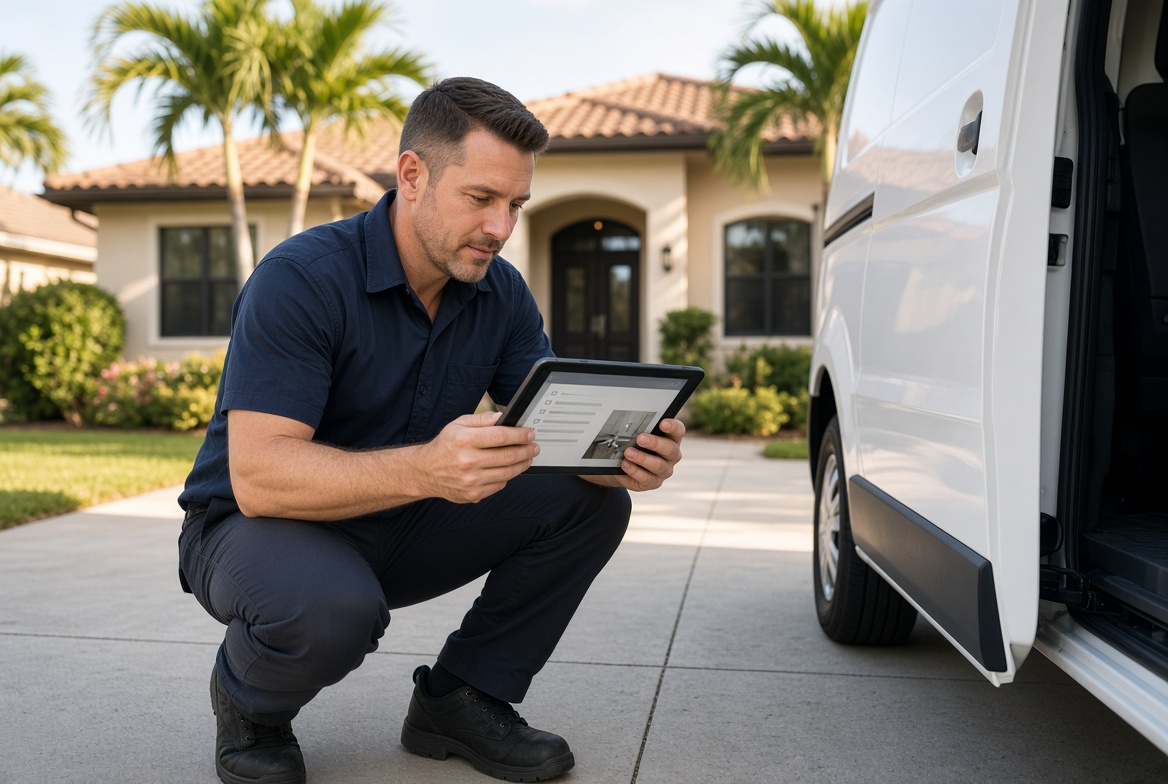
Close the Job File Before You Pull Away
The job looks done. The homeowner is happy. The truck is packed. Then the tech drives off with half the file still in their head.
That is how invoices sit for days, warranty questions turn into arguments, and review requests go out with no proof attached. The work was good. The record of the work was not.
A clean closeout at the driveway takes two minutes. Skipping it costs you the rest of the week.
What "done" actually has to include
Finished labor is only one part of a closed job. For a local service crew, the job is done when the office can bill, the customer can see what changed, and the next tech can pick it up without a phone call.
If any of those three are missing, the work is still open. It just moved from the house to your evenings.
Most teams already know this. They still leave because the next stop is waiting and the closeout lives in a separate habit that never became part of the visit.
The hidden bill for a thin closeout
A thin file creates slow, expensive work that never shows up on the job ticket.
Office staff reconstruct what happened from memory and a short text. The customer gets an invoice that does not match what they remember. A review request goes out with no photo of the finished work. A callback six weeks later starts from zero.
None of that feels like a system problem in the moment. It feels like "one more thing to chase." Stack it across a busy week in Tampa Bay and you lose hours that should have been spent booking the next job.
A Tampa plumbing example
A two-truck plumbing company in Pinellas County ran a typical Thursday: three water heater swaps, a slab leak diagnosis, and two drain calls.
Every job went fine on site. By Friday morning the office had photos for only one stop, no serial numbers for two of the new heaters, and a vague note on the slab leak that said "found moisture, customer will think about next step."
Monday brought three problems at once. One heater invoice had to wait while a tech drove back for the model number. The slab leak lead went cold because nobody sent a written summary with photos. A homeowner disputed a drain charge because the before-and-after pictures lived on a personal phone that was already full.
The crew did the hard work. They just did not capture it before the truck left the driveway.
The two-minute driveway checklist
Make closeout a fixed last step, not a favor the tech does if they remember. Keep it short enough that it survives a packed route.
- Photo of the finished work. One wide shot and one detail shot. Same angles every time.
- Photo of parts or equipment labels. Serial numbers, model plates, and anything you may need for warranty or billing.
- Short note in plain language. What you found, what you did, and what the customer still needs to decide.
- Access and site notes. Gate code changes, pet issues, HOA rules, parking, or anything the next visit will need.
- Customer confirmation. A signature, a text recap, or a simple "looks good" on the same record.
- Next action. Invoice ready, quote to send, parts to order, or no follow-up needed.
If a tech cannot finish those six items in two minutes, the checklist is too heavy or the job record is too hard to reach from the truck.
Why photos beat a long paragraph
Office staff should not have to decode a novel from the field. A clear photo plus three sentences is enough for billing and for the customer.
Photos also protect the crew. When a homeowner later says the yard was left messy or the old unit was still there, you have the file. When a manufacturer wants a serial number, you are not rolling a truck for a sticker.
Use the same two angles on every job type so the office can scan a file fast. Consistency matters more than perfect photography.
Put the closeout where the tech already works
The checklist fails when it lives in a separate app the crew opens "later." Later means never, especially after a hot afternoon on a Florida roof or a wet crawl space.
The record has to be one tap from the same place the tech already checks the address, the customer note, and the next stop. If they need to jump between a group chat, a camera roll, and a spreadsheet, the file will stay thin.
A simple job screen on a phone is enough. Address, checklist, photo upload, short note, done. No extra login. No "we will enter it at the shop."
A weekly diagnostic for your current closeouts
Pull last week's completed jobs and score them. You only need twenty files to see the pattern.
- How many jobs have at least two photos taken on site?
- How many invoices went out the same day the work finished?
- How many callback or warranty questions required a phone call to the original tech?
- How many review requests included a photo of the finished work?
- How many quotes after a diagnostic visit were sent within a few hours?
If three or more of those answers look weak, you do not have a closeout habit. You have leftover admin that follows the owner home.
What changes when the file is complete
Invoices leave the same day because the office is not hunting for details. Quotes go out while the homeowner still feels the problem. Review requests look like proof, not a generic ask.
The next tech can open a prior job and see the unit, the access notes, and the last recommendation. That is how you stop repeating questions the customer already answered.
Owners feel this first as quieter evenings. Fewer "what did we do at that house?" texts. Fewer Saturday reconstructions before payroll.
Start with one job type this week
Do not rebuild your whole operation. Pick the work that creates the most callbacks or the slowest invoices. For many Tampa Bay crews that is replacements, diagnostics that turn into quotes, or water jobs that need proof for insurance.
Train the closeout on that one job type until it is automatic. Then copy the same six steps to the rest of the calendar.
The goal is not more software. The goal is a complete job record before the truck leaves the curb.
When the website, booking flow, and job file all point at the same record, closeout stops being extra work. It becomes the last two minutes of the visit you already drove across town to finish.
Ready to modernize your business?
We build fast, modern websites designed for small businesses like yours.