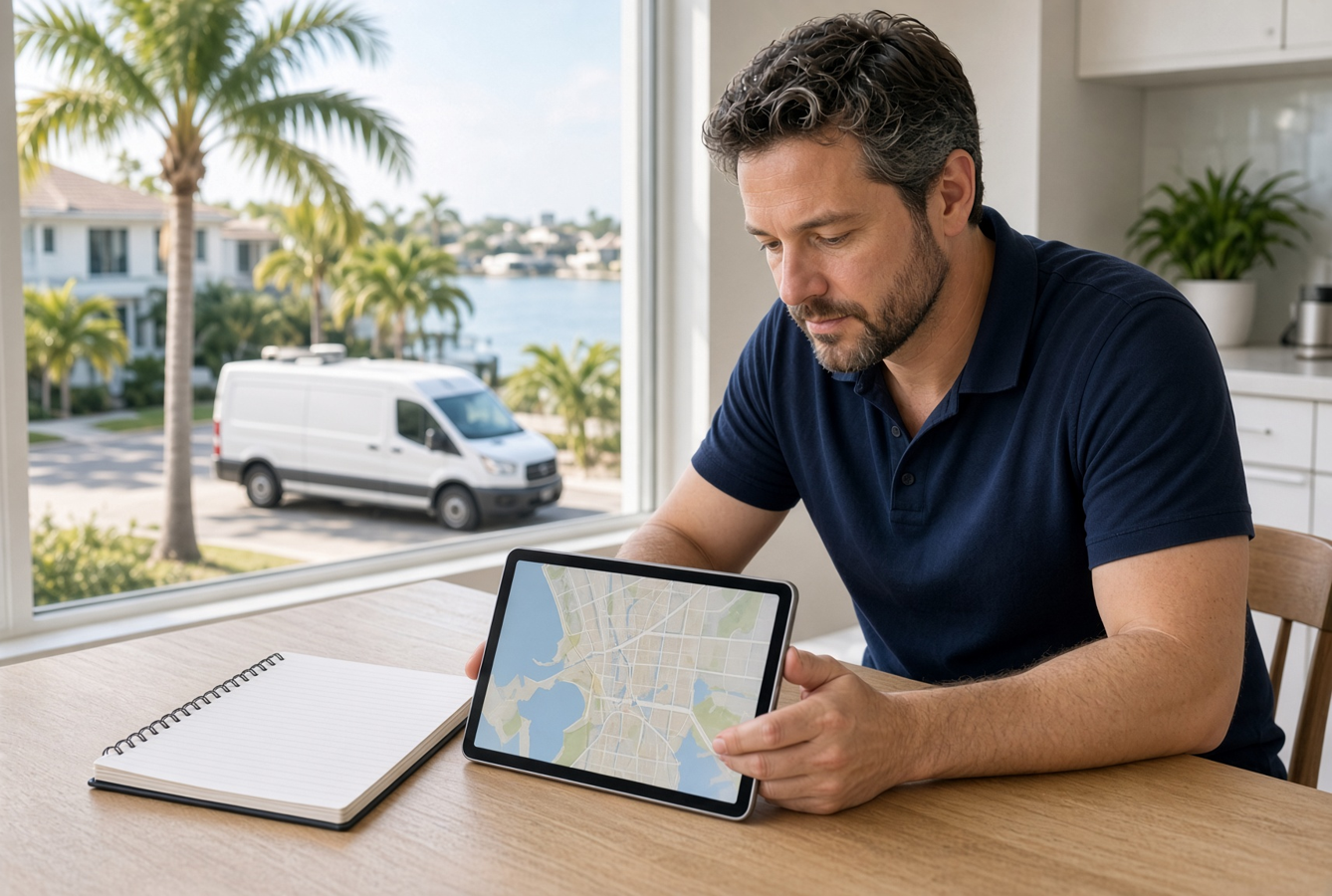
Copy-paste city pages lose ready calls
A homeowner in Brandon searches for AC repair and lands on your Brandon page. It reads exactly like your Tampa page, your Clearwater page, and your Wesley Chapel page. They cannot tell if you actually work in their neighborhood, how fast you can get there, or what happens after they reach out. So they hit back and call the company that sounds local.
Copy-paste city pages do not just look thin. They lose ready calls. A page for each town only helps if it answers the questions that town's customer has before they will book.
Why the same paragraph fails the first scan
People do not read a city page like a brochure. They scan for proof that you serve them, then they look for a next step. If the first screen is a swapped city name on top of a generic paragraph, the page fails that scan.
Swapping "Tampa" for "St. Petersburg" is not local. It tells a careful buyer that the page was made for search, not for them. Service owners feel this when a page gets visits and almost no calls. The traffic is real. The trust is not.
The fix is not a pile of new pages. It is making the pages you already have specific enough that a homeowner can say, yes, this company comes here, and I know what to do next.
What a local buyer is actually checking
Before someone requests a time, they are trying to avoid a wasted conversation. They want to know you cover their address, you handle their type of job, and you will not surprise them on timing or payment.
A useful city page answers those checks in plain language:
- Which parts of the city you regularly serve, and which edges you do not
- The jobs you book there most often, not every service you have ever offered
- Typical response or arrival timing for that area on a normal week
- What the first visit includes, and what it does not
- How they request a time without playing phone tag
If those answers are missing, a phone number at the bottom is not enough. Plenty of ready buyers will not call a company that still feels uncertain.
A Tampa Bay example that shows the leak
A four-truck HVAC company based in Tampa had a page for almost every city in the bay. Each one opened with the same line about quality comfort and trusted technicians, then listed the same eight services. The owner was paying for ads into those pages during summer. Calls were flat.
The Brandon page never said they kept a tech on the east side most afternoons. It never mentioned that a no-cool call in July was treated as a same-day priority when the schedule allowed. It never named the neighborhoods they already knew well, like Valrico and FishHawk, or the parts of Plant City they only scheduled on certain days.
A homeowner with a dead air handler does not need a slogan. They need to know you can reach Brandon before evening, and they need a way to request that window. Once the Brandon page said that, and the form asked for the system type and whether the house was without cooling, the page stopped acting like a copy of Tampa. More of those clicks turned into booked diagnostic visits instead of silent bounces.
A short checklist before you publish a city page
Use this before you add another town, and use it to audit the pages you already have. If you cannot check an item, the page is not ready to send ad clicks to.
- Name the city in the first sentence, then say how you actually cover it.
- List three to five jobs you want from that area, not your full menu.
- State a real timing expectation, including when you cannot promise same day.
- Add one proof point from that area: a recent job type, a review, or a photo of finished work.
- Note any access or scheduling limits, such as gated communities or bridge traffic.
- Offer one next step: request a time, request a call window, or call now if it is urgent.
- Make the form ask for the job type and the city, so the office is not guessing.
Keep each item short. A city page that tries to say everything starts to look like the generic page again.
What to fix first if you already have a stack of thin pages
Do not rebuild the site because twelve city pages are weak. Pick the three towns that already send the most calls, or the three you most want to fill. Rewrite those first.
Start with the opening. Replace the shared paragraph with two or three sentences only that page can claim. Then add the timing line and the next step. Leave the other pages alone until these three are pulling their weight.
Watch the right number. Visits are not the goal. Count requests and booked jobs by city for two weeks. If a rewritten page gets the same visits and more requests, the copy was the leak. If it gets neither, you may be sending the wrong people there, or the booking step after the page is still too slow.
Also check that the page and the office tell the same story. If the site says you serve Clearwater the same day and the dispatcher says Clearwater is only on Thursdays, the page will create bad leads. Specific is only useful when it matches how you really run routes.
Connect the page to a booking path that can keep up
A clearer city page will create better inquiries. That only helps if those inquiries land somewhere the office can see before the homeowner calls the next company.
The request should carry the city, the job type, and the timing they need. The office should have a simple rule for who replies, and by when. A page that promises a same-day look at a no-cool call in Brandon is a problem if that form sits in a shared inbox until the owner finishes a job.
You do not need a new page for every zip code to fix this. You need a few city pages that tell the truth, and a booking path that turns that interest into a scheduled visit without a second round of phone tag.
If your town pages are getting visits and not jobs, the gap is usually specificity plus a next step the office can actually honor. A focused page, tied to a simple request flow, is often enough to stop ready local calls from leaving for a company that merely sounds closer.
Are the calls getting away from you?
I work with Tampa HVAC and plumbing companies that already run at least 3 trucks. Call or text me.