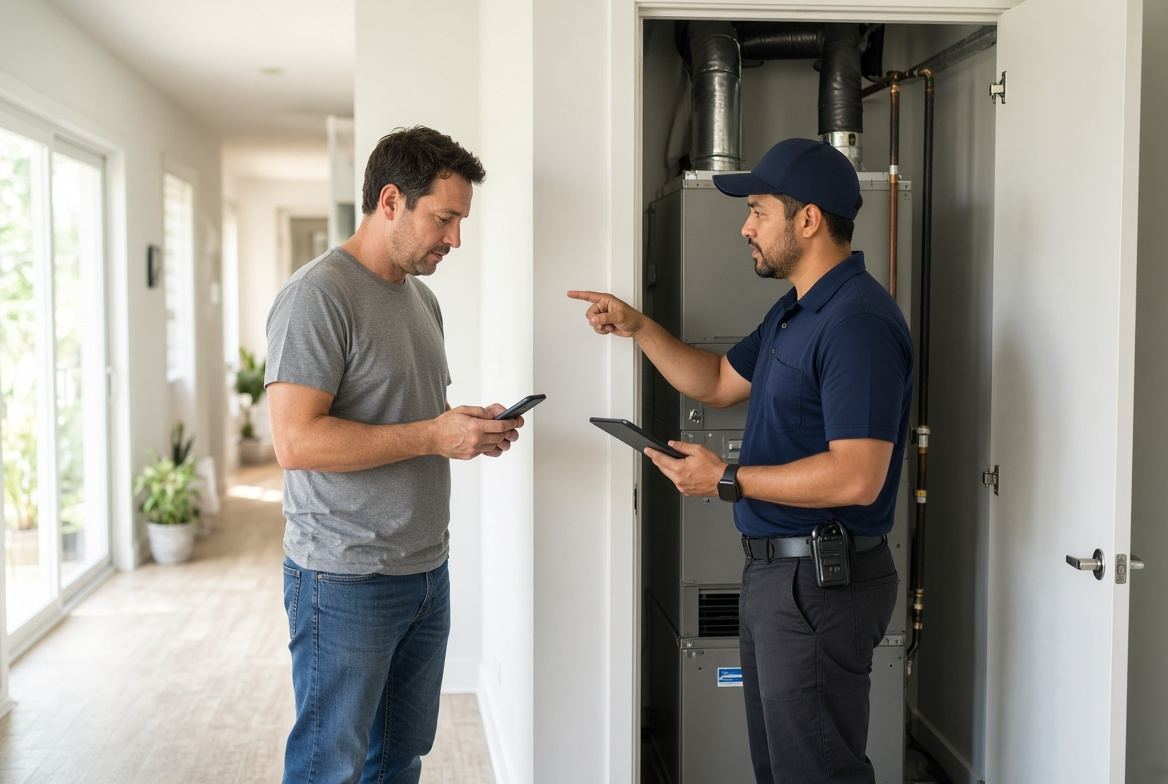
Give a Price Range or Lose the Lead
Most local service sites ask a homeowner to call before they have any sense of cost. That feels safe to the owner. To the visitor, it feels like a blank check.
A simple price range on the right service page does not replace a real quote. It answers the first question a busy customer has, filters out the wrong jobs, and sends you calls from people who already expect a realistic number.
Why visitors leave when they see no number
A homeowner with a dead AC on a Tampa afternoon is not shopping for a brand story. They want to know if they can afford help today and whether you are in the same ballpark as the last bill they remember.
When the page only says “call for pricing,” they have two choices. Guess, or tap back and try the next company that shows a starting price. Many will guess wrong and bounce. You never hear about those visits.
This is not a design problem. It is a trust and clarity problem. People will still call. They just want a fence around the number before they pick up the phone.
What “call for pricing” really tells them
You may mean “every job is different, so we will treat you fairly.” They often hear something else.
- The price might jump once someone is already at the house.
- This company does not want to be compared.
- I will waste a phone call just to learn I cannot afford it.
- If they hide the range, they might hide other things too.
None of that has to be true. The page still has to survive a five-second scan on a phone, usually while the customer is standing in a hot hallway or a flooded laundry room.
Ranges beat fake quotes and empty pages
You do not need a public price list for every possible repair. You need a honest band for the jobs you run every week.
A useful range has three parts: the starting point, what is included, and what pushes a job higher. That is enough for a homeowner to decide if a call is worth their time.
Good ranges look like this:
- AC diagnostic visit: $89 to $129, waived if they approve the repair the same day.
- Standard tank water heater install: starting at $1,400, parts and code items extra.
- Deep clean for a 3-bedroom home: $220 to $280, add-ons listed below.
Bad ranges look like “repairs from $99” with no mention of what that $99 covers. That creates angry first calls, not better ones.
A simple way to set ranges without boxing yourself in
Pull the last 30 to 50 jobs for one service, not the whole company. Ignore the weird outliers. Look at the middle of the pack.
- Pick one high-volume service, such as AC tune-ups or clogged drain calls.
- Write down the lowest fair price you still want to take.
- Write down the price most similar jobs actually billed.
- Note the two or three things that move a job out of that band.
- Publish the band and the exceptions on that service page only.
You can still quote higher when the attic is a nightmare or the panel is outdated. The page already told people that conditions change the number. The call then feels like a confirmation, not a surprise.
Checklist for each service page
Use this before you add a range to a live page. If you cannot check most of these boxes, the number will create more arguments than bookings.
- The range matches jobs you actually want this month.
- The page says what is included in the low end of the range.
- The page names 2 to 4 common extras that raise the price.
- The call to action is still clear: call, text, or book the visit.
- The same range is not contradicted on Google, flyers, or voicemail.
- Someone in the office knows the published range and can defend it.
- After-hours visitors still see the range without hunting through menus.
If a service is too custom for any band, say that in one sentence and give a diagnostic or visit fee instead. Silence is worse than “this one needs a look.”
How this played out for a Tampa Bay HVAC shop
A two-truck HVAC company in Pinellas County kept a clean site and a strong Google profile. The service pages talked about brands, certifications, and same-day repair. They did not show a number anywhere.
The owner thought that protected margins. What it actually produced were long phone calls from people expecting a $79 fix for a failed compressor, and quiet exits from homeowners who would have been fine with a $129 diagnostic.
They added three ranges: diagnostic visit, standard maintenance, and a starting band for like-for-like air handler swaps. Each block named what was included and what was not, such as permits, crane fees, or same-day after 5 p.m.
Call quality changed first. Fewer “how much for AC?” voicemails with no address. More people who already knew a visit would be about $100 and a full system would not be. The team still quoted every job. They just stopped spending the first five minutes of every call resetting expectations.
What if a competitor undercuts the number?
They already can. Hiding your range does not stop that. It only hides you from the customers who want a straight answer.
Compete on what the range includes. A cheaper visit that skips testing, photos, or a written option list is not the same product. Say what the customer gets for the published band: arrival window, diagnosis steps, and what happens if they approve work on the spot.
If your number is higher, own the reason in plain language. Licensed techs, parts on the truck, and a follow-up if the first fix does not hold are reasons people will pay more. They cannot use those reasons if they never see a number to compare.
Put the range where a phone user can see it
A price band buried under four paragraphs of company history might as well not exist. On mobile, the range should sit near the top of the service page, next to the action you want.
Keep it short. One line for the range. One line for what it covers. One line for how to book. Then the details can follow for people who keep scrolling.
Do the same on the homepage only if you have one flagship service. A homepage stuffed with six unrelated price bands becomes noise. Send people to the service page that matches the problem they typed into Google.
A tighter page turns better conversations into booked work
Price silence feels like control. In practice it hands control to whoever is willing to show a starting number first.
Give people a honest range, a clear next step, and a booking path that does not depend on catching you between jobs. That is how a service site stops being a brochure and starts acting like a filter for the work you want.
If your pages still hide the number, or the booking step is just a phone number with no backup, fix that before you pay for more traffic. A focused service page with a real range and a simple booking flow gets you better calls without adding more chaos for the crew.
Are the calls getting away from you?
I work with Tampa HVAC and plumbing companies that already run at least 3 trucks. Call or text me.