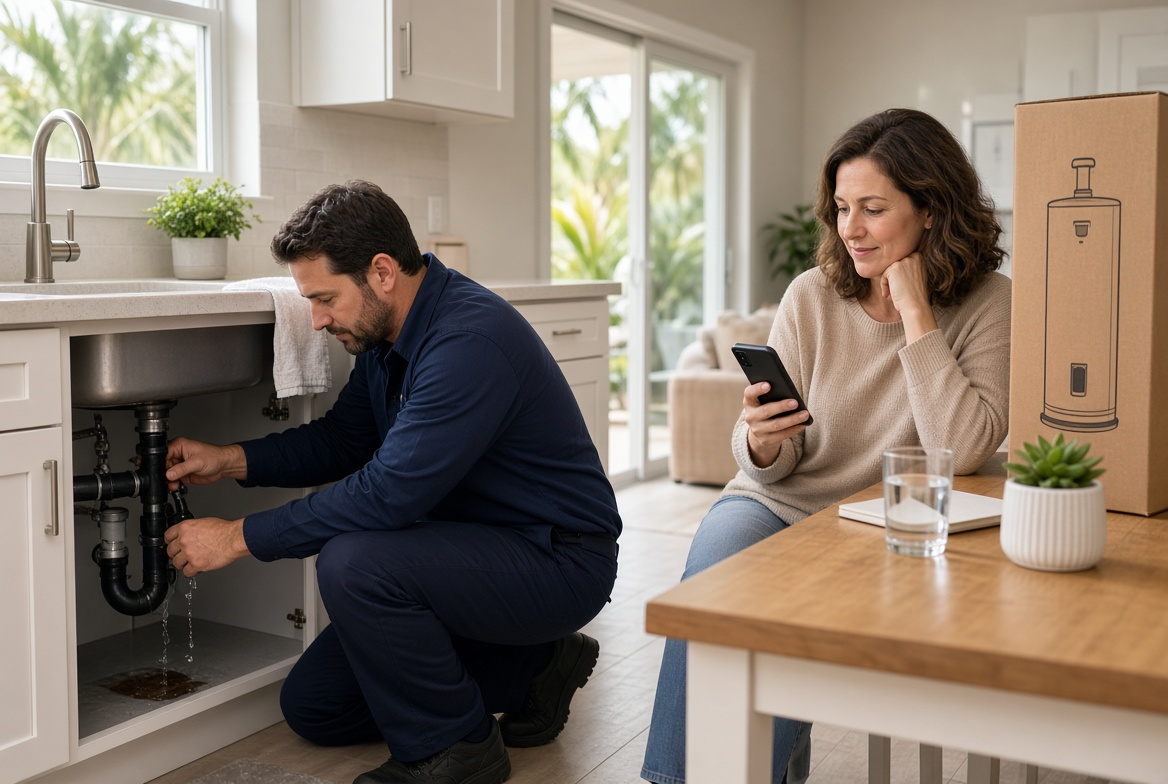
Give Emergencies a Different First Step
A burst pipe and a planned water heater replacement are not the same job. They should not share the same first step on your website. When both visitors land on a generic "contact us" button, the urgent caller leaves to find someone who answers now, and the planned buyer never picks a date.
Local service companies lose both kinds of work for the same reason. The page talks about the company instead of the next move. A clear split on page one keeps the emergency from wandering and gives the scheduled job a path that does not depend on a callback.
Two visitors, one page, two lost jobs
The first visitor is standing in water. They searched "plumber near me" on a phone. They need to know, in a few seconds, that a person can take this call and that the company works their area today.
The second visitor has been putting off a replacement for a month. They want a price range, what is included, and the next open appointment. They will not wait on hold, and they will not fill out a form that asks for a novel.
A homepage that offers one path treats those people as the same lead. They are not. One needs speed. The other needs certainty. If the page only offers "call the office," both of them have a reason to keep looking.
What the emergency caller needs in seconds
An emergency visitor is not shopping your story. They are checking three things: do you handle this problem, can you come today, and how do they reach a person right now.
If the tap-to-call number is small, the hours are vague, or the only button says "request a quote," they assume you are closed or booked. They call the next result. You never see the lead, so it never shows up in a report.
Put the urgent path where a thumb can hit it. Name the problems you treat as same-day. Say the service area in plain language. If after-hours calls roll to a live person or a clear backup, say that. Do not make them guess.
What the planned buyer needs instead
The scheduled buyer is calmer, and that calm is easy to waste. They will read a service page if it answers the questions that usually eat the first phone call. What is included. What a typical range looks like. How soon you can get there. What happens after they request a time.
A long menu of every service you have ever done does not help them. A water heater page that ends with "contact us for pricing" sends them back to search. They wanted a next step, not a scavenger hunt.
Give this visitor a booking path that does not compete with the emergency line. Open dates, a short form, or a request for two time options all work better than "someone will call you back." The point is a named next step before they leave the page.
A simple split you can put on page one
You do not need a new site to fix this. You need two obvious choices above the fold, on the phone, with no extra clicks to find the phone number.
- Label the urgent path in the customer's words. Use "Burst pipe or no water today" instead of "Emergency services."
- Make that path a tap-to-call button, with the hours a person actually answers.
- Label the planned path the same way. Use "Schedule a replacement or repair" instead of "Learn more."
- Send planned work to a short form or a booking step that asks for the job, the city, and two time windows.
- Show the cities you cover on both paths so out-of-area clicks do not clog the phone.
- Confirm what happens next in one sentence. "We call within 15 minutes" is a promise. "We will be in touch" is not.
If the office cannot answer both lines at once, say so in the design. Emergencies go to the on-call phone. Planned jobs go to a queue the office clears at set times. Mixing them is how a tune-up request blocks a flooding kitchen.
A Tampa plumbing week that shows the cost
Picture a three-truck plumbing company in Tampa Bay. Monday morning a homeowner in Seminole has a supply line leaking under the sink. At the same minute, a landlord in Brandon wants three water heaters replaced next week.
Both hit a homepage that says the company is trusted, licensed, and family-owned. The only action is a contact form. The leak caller waits, then dials a competitor whose page says "Same-day leak repair" with a phone button. The landlord submits the form and hears nothing until Tuesday. By then they have a quote from a company that offered two install windows on the page.
Neither loss looks dramatic in the moment. Together they are a truck that could have been full. The leak was a same-day ticket. The water heaters were a scheduled day with parts ordered ahead. The site made both people do extra work, so both left.
The fix was not a redesign. The owner added two buttons, a same-day list (leaks, clogged main lines, no hot water), and a short request for replacement work that asked for city and preferred days. The office stopped opening the morning by sorting mystery form fills.
Check the page the way a customer does
Open the site on your phone, not the office desktop. Give yourself five seconds. If you cannot tell where to tap for a problem happening right now, the emergency path is not real yet.
- Can a wet-hands caller hit the phone number without pinching the screen?
- Does the urgent label name a problem, or only say "contact"?
- Does the planned path ask for a time window instead of a callback promise?
- Are service area and hours visible without a menu hunt?
- Does the thank-you message say who responds, and by when?
- If you submit a test request at 7 p.m., does a person own it before the next morning rush?
Run that check on the homepage and on the two service pages that bring the most calls. Those pages are where the split matters most. A pretty interior page does not help if the first screen still offers one vague button.
What to fix before you touch the rest of the site
Start with the action, not the colors. Write the two labels in the words customers already use on the phone. Put the emergency number in the header so it follows them down the page. Point planned work at one short form, and make sure that form lands in one place the office checks on a schedule.
Then match the promise to the crew. If you cannot reach a flooding house today, do not say same-day. Offer the next real window. A clear no books more trust than a soft yes you cannot keep. Reliability is the part customers repeat to a neighbor.
Track it for two weeks. Count urgent calls that reached a person, planned requests that got a time offer the same day, and form fills that sat overnight. Those three numbers tell you whether the split is working. Traffic alone will not.
One path is why ready jobs keep leaving
Most local sites were built to explain the company. Buyers show up to finish a decision. When emergency and planned work share one vague next step, both kinds of ready work leak out before anyone in the office sees them.
A focused page, with two clear paths and a booking step that matches each job, removes that leak without a full rebuild. The phone still matters. It just stops being the only door, and it stops being the wrong door for half the people who arrive.
Are the calls getting away from you?
I work with Tampa HVAC and plumbing companies that already run at least 3 trucks. Call or text me.