Let Routine Jobs Through the Emergency Banner
If your homepage opens with a full-width emergency banner, you are speaking to one customer and ignoring the other. The homeowner with no air at 2 p.m. needs that banner. The homeowner who wants a tune-up, a water heater flush, or a recurring clean next Thursday does not.
They came ready to book a normal job. The banner makes them feel like they landed in the wrong place. The fix is not to hide emergency work. It is to give both jobs a clear door in the first screen. Routine work is where most small crews make the week. If that path is buried, the banner is costing you booked jobs.
Two customers, two different jobs
An emergency visitor has a leak, a dead unit, or a power issue they cannot wait on. They want a phone number, a plain promise that someone will come, and a rough idea of how fast. They will call. A banner helps them.
A routine visitor wants maintenance, a replacement quote, or a scheduled repair. They want the job named, a sense of what is included, a starting price or range, and a way to pick a time. They will not fight a page that only shouts 24/7. They leave, or they call a competitor whose page named the job they searched.
Both customers can be profitable. They should not share one door. When they do, the urgent message wins the screen and the scheduled job loses the click.
What the banner actually hides
A tall emergency block pushes the useful parts below the fold, especially on a phone. The visitor never sees the thing they came for. They see a siren and a call button, then they bounce.
The parts that disappear are simple, and they are the parts that book non-emergency work:
- The service name they typed into Google, such as AC tune-up or drain cleaning.
- A next open window, even if it is only "this week" or "next Tuesday."
- Proof you do this work every week, not only after something breaks.
- A short booking path that is not "call now if this is an emergency."
If your ads or your Google profile send people to that page, you are paying to hide the offer. The click was good. The first screen wasted it.
Run this check on your phone
Open the homepage the way a customer does, on a phone, with the ad or the search still in your head. Do not scroll yet. Score the first screen against this list.
- Can a stranger name the routine job you want this month, without scrolling?
- Is there a button for that job, separate from the emergency call link?
- Does the emergency line say who it is for, in one short sentence?
- Can someone book or request a normal visit without calling the urgent number?
- If you cover home and commercial, or two trades, is each path labeled?
A no on the first or second item is the leak. Fix the first screen before you rewrite the rest of the site. A redesign will not help if the new page still leads with the siren.
How this played out for a Brandon HVAC crew
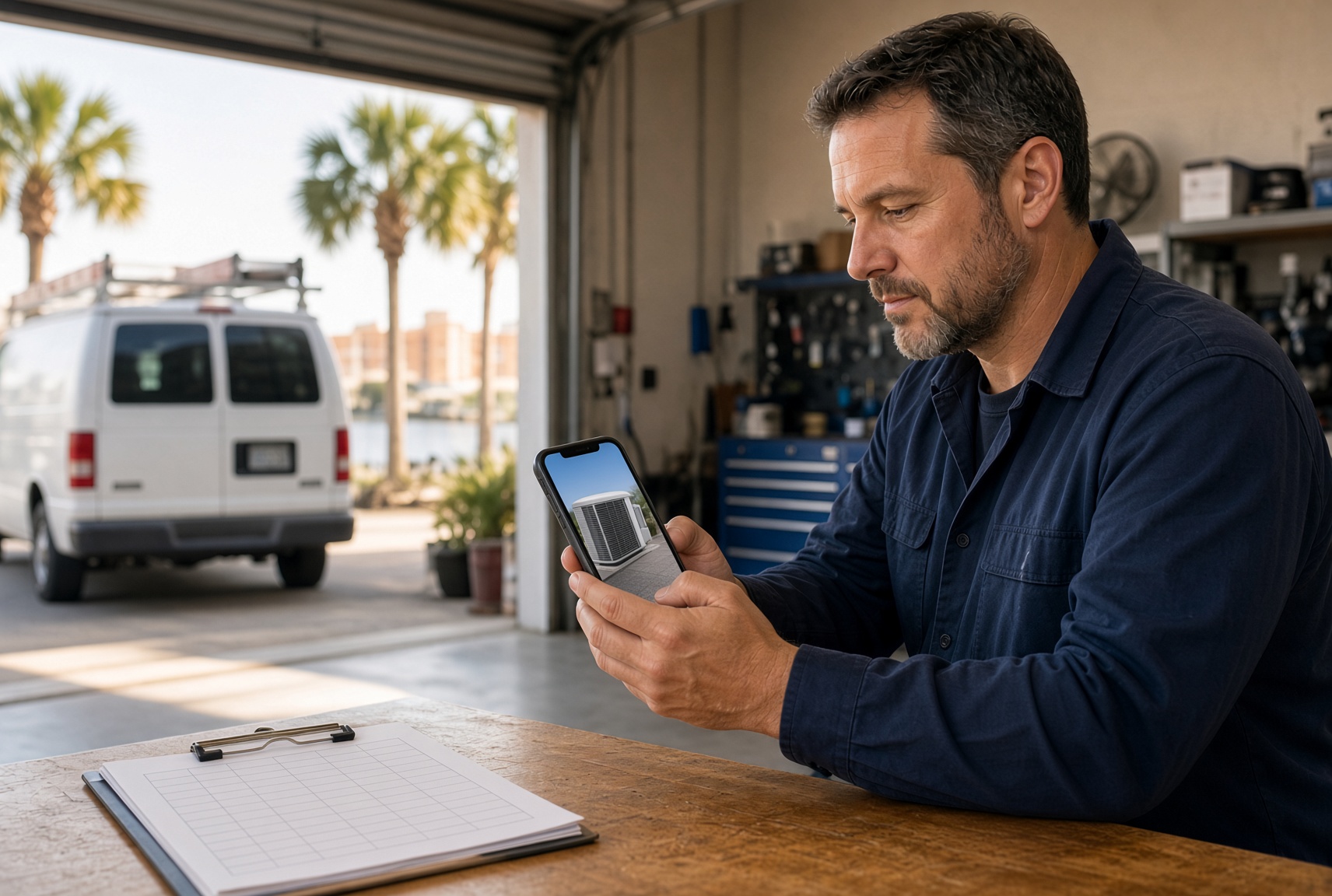
A three-tech heating and air company east of Tampa kept a summer emergency banner up into October. It made sense in August. By fall, most of the ad spend was for maintenance and replacement quotes, and those clicks still landed on the homepage.
The office noticed the pattern in the first call. People asked if the company even did tune-ups, or if they only came out when a unit died. Staff spent the first two minutes explaining the normal service, then another minute finding a date. Some callers had already booked a competitor who showed a tune-up price and two open mornings on the first screen.
They did not remove the emergency number. They cut the banner to a thin strip: "No cool or no heat right now? Call this line." Beside it, the main button said "Book a tune-up" and named a starting price and a typical visit length. Replacement quotes got a second button, "Get a system quote," with two time choices instead of a callback promise.
Emergency calls still came in. The change was on the other path. Tune-up requests stopped arriving as confused phone calls and started arriving with a preferred morning already picked. The owner stopped hearing "do you even do maintenance?" before lunch.
A first screen that keeps both jobs
You do not need a new brand or a long page. You need a split that a tired person can read in a few seconds. Use this layout on the homepage and on any page your ads point to.
- A short emergency strip, not a full-screen takeover. Name the urgent problem and the phone number.
- One primary button for the offer you want booked this month. Use the job name, not "Learn more."
- A second path only if you truly sell it often, such as replacement or commercial. Label it.
- One line of proof under the button: years in the area, a review count, or a typical arrival window.
- A next step that works after hours, so a 9 p.m. tune-up request is not stuck until morning.
Match the button to the ad. If the ad says fall tune-up, the landing screen should say fall tune-up. Sending that click to a page that only says 24/7 emergency service is how a good campaign looks like it failed.
What not to change
Do not pull the emergency number off the site. Storm weeks and dead units are real, and a buried phone number costs those jobs. Do not make routine customers scroll past three slogans and a stock photo to find the service. Do not use one form for both intents if the office cannot tell them apart.
A single "contact us" box trains the team to treat every lead the same. The no-cool call waits behind a quote request. The quote request gets a panicked callback. Split the ask. Urgent gets a call. Scheduled gets a short form with the job, the address, and a preferred day.
Put the routine job back on the first screen
Emergency copy has a job. It should not be the only door. When the first screen names the routine work, shows a next step, and keeps the urgent line in a strip, both customers can move without guessing.
That is a focused page, not a bigger website. A clear booking path for scheduled work, separate from the emergency line, is what stops ready jobs from bouncing before anyone in the office knows they came.
Are the calls getting away from you?
I work with Tampa HVAC and plumbing companies that already run at least 3 trucks. Call or text me.