Missing Access Notes Waste the First Hour
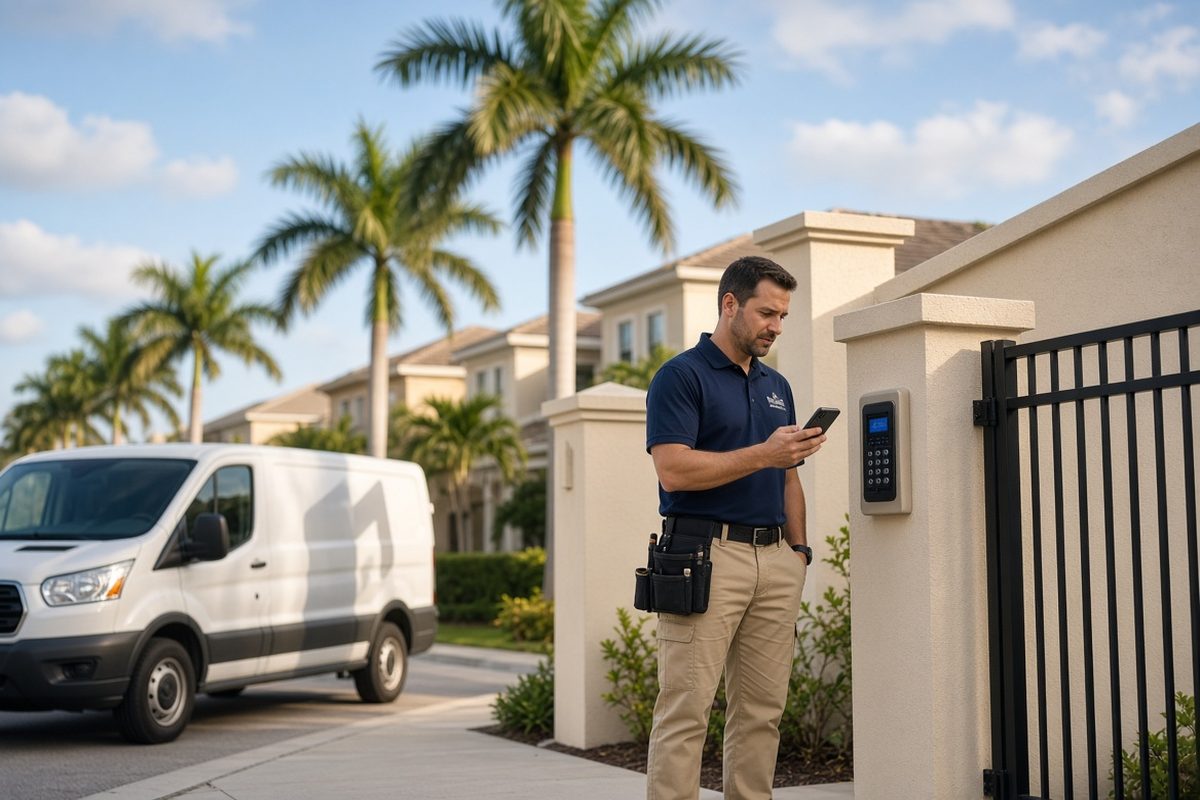
The job was booked. The truck left on time. Then the tech sat outside a locked gate in Wesley Chapel for eighteen minutes, calling a number that went to voicemail.
That is not a late customer. That is a ticket that never collected the details that get a person on site. The first paid hour of the stop leaked into the street, and the next customer started watching the clock.
The driveway is where booked work quietly dies
Most owners track no-shows and late arrivals. Fewer track the jobs that were “on time” and still started late because nobody could get in.
Gate codes, HOA guest lists, parking rules, pets, attic hatches, and water shutoffs are not extras. They are the last five feet of the route. Miss them and a clean schedule turns into a stack of apologies.
In Tampa Bay this shows up every week. Condos on the water, gated streets in Pasco, and older homes with side-yard access all have a small rule that is obvious to the homeowner and invisible to the truck.
What missing access actually costs
Eighteen minutes at a keypad does not look like a lost job on the board. Add it up and the day changes.
Two blocked first-hour stops in a week can push a third job into overtime, force a reschedule, or leave a callback that should have been finished on site. The crew still worked. The company still paid for the hours. The customer still felt stood up.
A Pinellas HVAC shop ran this number for one month. They had 22 booked morning stops in gated or multi-unit properties. Seven of those stops needed a second call for a code, a parking pass, or a dog to be put up. Average delay was 14 minutes. That is more than an hour and a half of paid time that produced no diagnosis and no invoice line.
The five notes that should live on every ticket
You do not need a novel. You need the same short fields, every time, before dispatch.
- How the tech gets on the property. Gate code, call box name, building number, or “meet at the lobby.”
- Where the truck can sit. Driveway, street side, loading zone, or “do not block the mailboxes.”
- Who will be there. Homeowner, tenant, property manager, or lockbox. Include a working number.
- What can stop the work. Dogs, kids home sick, HOA quiet hours, attic pull-down blocked by storage.
- Where the problem lives. Unit 4B, rear air handler, pool equipment pad, not “the house on Oak.”
If any one of those five is blank on a job that is not a simple street-front house, the ticket is not ready.
Why the office thinks it already asked
Someone did ask. The answer landed in a voicemail, a Facebook message, or a “the code is 4412” text that never moved onto the job.
The dispatcher sees a complete-looking ticket: name, address, time, complaint. The tech sees a pin on a map. Neither one has the code that opens the bar. Both feel like they did their job.
That gap is not a people problem. It is a missing required field. If the system lets a gated or multi-unit job leave the office without access notes, the truck will keep paying for it.
A 10-minute intake check before the truck rolls
Use this the afternoon before, not while the van is already in the turn lane.
- Open tomorrow’s route and flag every stop that is gated, a condo, an HOA street, or a commercial suite.
- Confirm a working on-site contact, not only the person who booked.
- Write the access method in plain words on the ticket the tech will open.
- Send the customer one short text: arrival window, who is coming, and what they need ready.
- If the code or contact is still blank by 6 p.m., do not treat the slot as firm.
That last rule feels strict. It saves the 8 a.m. slot you already sold.
How this played out for a Tampa plumber
A two-truck plumbing company working South Tampa and Brandon kept losing the first stop of the day inside gated streets. The owner blamed traffic. The techs blamed “customers who never answer.”
They added four required fields to every booked job and a same-day text that asked for the code and the pet note. In the first two weeks they still had gaps. By week four, morning delays tied to access dropped from several a week to one.
The change was not a new dispatch platform. It was a rule: if the tech cannot get from the street to the equipment with what is on the ticket, the job is not dispatched.
What “ready to dispatch” looks like
A ticket can look full and still be unusable. Name, address, and a time only prove someone booked. They do not prove the tech can start work when the wheels stop.
Ready to dispatch means the tech can open the job on a phone and answer four questions without calling the office: how do I get in, where do I park, who meets me, and what will slow me down.
If the answers are missing, the office still owns the problem. Sending the truck anyway just moves the delay from a desk to a hot driveway.
Make access part of the booking, not a later favor
The cleanest fix starts on the website and the booking flow, not in a morning scramble.
A short form can ask for gate or building access, parking notes, and a second contact. A confirmation message can repeat the arrival window and ask the customer to reply with the code. The office then copies that reply onto the ticket once, in the same place every time.
When those notes live with the job, the tech stops calling the office from the keypad. The office stops hunting through yesterday’s texts. The first hour of the stop belongs to the work you sold.
If your crew still starts too many days outside a locked gate, the next system to tighten is not a prettier homepage. It is a booking and ticket flow that refuses to send a truck until the last five feet of the route are written down.
Are the calls getting away from you?
I work with Tampa HVAC and plumbing companies that already run at least 3 trucks. Call or text me.