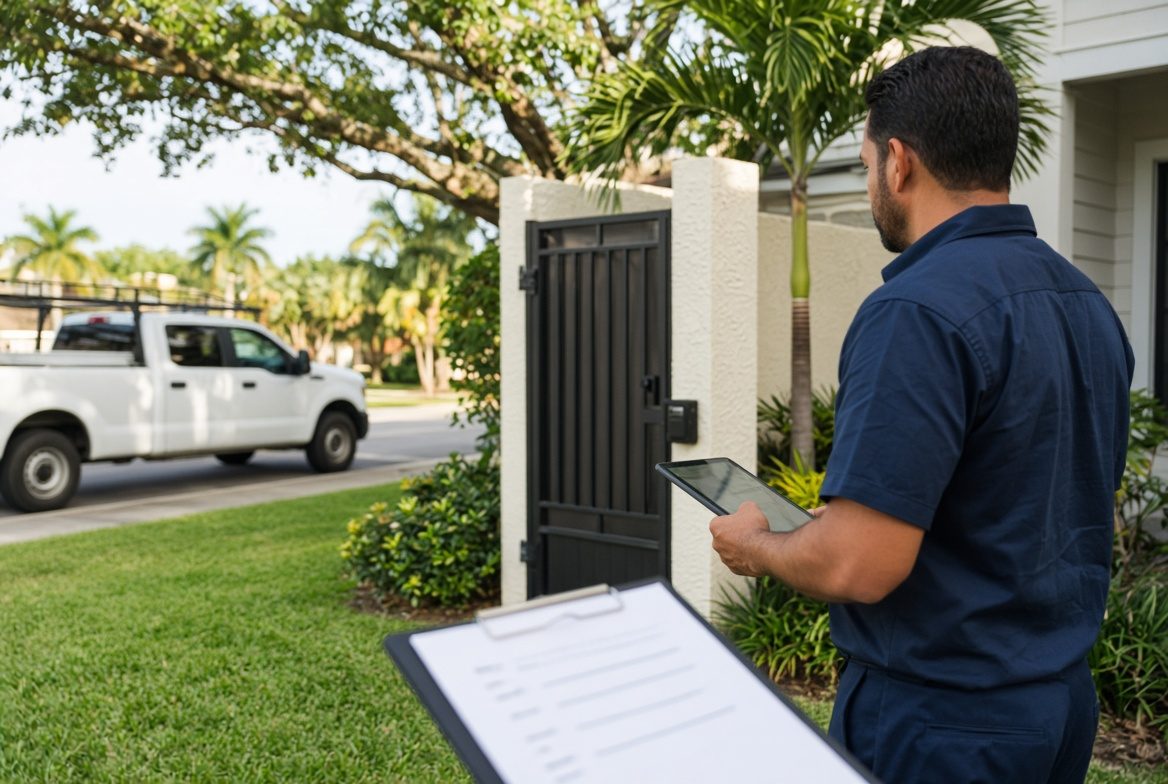
One Site File Stops Wasted Return Trips
A Tampa lawn crew can finish a yard in 40 minutes. They can also burn those same 40 minutes standing at a locked side gate because nobody saved the code from last month.
That is not a people problem. It is a file problem. The facts that make a stop easy live in one tech's head, an old text, or a sticky note on the office monitor. When those facts do not travel with the address, you pay for a return trip that never should have happened.
What "we already know this customer" actually hides
Owners say the account is a regular. The office says the tech has been there before. The tech on today's truck is not the same person who went last spring.
Regulars create a false sense of safety. The house did not change. The dog did. The lockbox code did. The homeowner started parking a boat where the hose used to sit. None of that shows up on a calendar block that only says "mow and edge, 9:30."
The cost is quiet. A wasted first stop still uses fuel, labor, and a slot you could have sold. The customer still expects you to "just know." You look unprepared even when the work itself is solid.
The five facts that should travel with the address
You do not need a novel for every property. You need a short site file that a stranger on your crew can read in 30 seconds before they leave the shop.
- Access: gate code, lockbox, key location, HOA gate hours, and who to text if the code fails.
- Animals and people: dogs in the yard, kids home after school, a tenant who works nights.
- Park and stage: where the truck can sit without blocking a neighbor or an HOA camera.
- Site quirks: soft lawn after rain, breaker in the garage, water shutoff behind the AC pad.
- Last visit notes: what was left unfinished, what the customer asked to skip, and any extra work already approved.
If a fact would change how the tech pulls up, it belongs in the file. If it only lives in a group chat, it will vanish the week that chat scrolls.
How a Hillsborough pest company wasted two mornings
A three-tech pest company in Hillsborough County ran quarterly interior treatments for a set of rental homes near Brandon. One property manager sent gate codes by text whenever a tech asked. The office never copied those codes into the job.
In one week, two techs hit the same community on different days. Both sat at the gate. Both called the office. The office called the manager. One morning the manager was in a closing. The other morning the code had changed and nobody had the new one.
Two paid stops turned into drive-bys. The techs still burned the route time. The rentals stayed untreated. The manager later hired a larger firm that asked for access details once and stored them on the account.
The work was never the issue. The missing site file was.
A five-step site file you can run this week
Do not wait for new software. Start with the stops that already fail for the same reason.
- Pick the 20 addresses that waste the most time. Locked communities, gated yards, interior jobs, and any house that needs a key.
- Write the five facts above on one screen per address. Use the same labels every time so the office and field read it the same way.
- Make the office ask during booking. "Any gate, dog, or parking note we should put on the job?" is one sentence. Put the answer on the file before the truck rolls.
- Have the tech add one line before they leave. Changed code, new dog, broken latch. The next visit should not rediscover it.
- Review misses every Friday. If a truck sat outside a gate, the file is incomplete. Fix that address the same day.
This is a habit, not a project. Twenty files done well beat 400 empty customer records.
Where the notes should live by noon
The site file has to sit where the dispatcher and the tech both look without hunting. A paper packet in the truck dies when the packet stays in the other van. A text thread dies when the thread is on someone else's phone.
The test is simple. Can a fill-in tech open tomorrow's first stop from the shop and see access, animals, parking, quirks, and last-visit notes without calling anyone?
If the answer is no, you do not have a site file. You have folklore. Folklore works when you have one crew and one owner who never takes a day off. It breaks the first week you add a second truck or a Saturday helper.
What changes when the file is real
First stops get quieter. Techs pull up, open the gate, and start the clock on the work instead of the scavenger hunt.
The office stops playing operator. Fewer "what's the code" calls means the person answering the phone can book the next job instead of rescuing the current one.
Customers notice the difference even if they never see the file. You park where they asked. You do not let the dog out. You remember the breaker they mentioned in March. That is how a small Tampa crew feels like a company, not a string of one-off visits.
You also protect margin. A return trip to finish a job you already drove to is rarely billed at full rate. It is often billed at zero. The site file is cheaper than that second drive.
Start with the stops that already fail
Open last week's schedule and mark every job that ran late because the crew could not get in, could not park, or had to call for a detail that already existed somewhere.
Those addresses are your first files. Write the five facts. Attach them to the next booking. Require one update when the tech leaves.
A focused system does the rest. A clean job record on the website booking flow, a shared board the office and field both open, or a simple internal tool that keeps site notes next to the address will do more than another staff meeting. The goal is not more software. The goal is one place the next tech can trust before the truck leaves the lot.
Are the calls getting away from you?
I work with Tampa HVAC and plumbing companies that already run at least 3 trucks. Call or text me.