Overflow Rules Protect Your Best Jobs
When the phones light up, most service owners do the same thing. They say yes. Every extra yes feels like growth. Then the week falls apart.
The crews run late. Your best customers wait. Emergency work collides with booked maintenance. By Friday you have more jobs on the board and less money in the account than you expected.
A short set of overflow rules fixes that. You decide in advance what you take, what you delay, and what you refer when the calendar is already full.
Full boards fail in predictable ways
A packed week is not the same as a profitable week. The damage shows up in small slips that stack.
A maintenance customer who booked three weeks ago gets pushed twice. A tech leaves a half-finished repair to chase a new call. The office promises a same-day window that the route cannot support. Someone who found you on Google waits, then books the next company that answers.
None of that looks like a marketing problem. It looks like a busy week. The result is the same. You spend more on ads while the customers who already trust you start shopping.
What overflow rules actually cover
Overflow rules are not a speech about working harder. They are a written list the office can use while you are on a roof, in a van, or on another call.
They answer the questions that normally land on the owner.
- Do we take this job today, book it later, or send it out?
- Does this customer already have a slot we must protect?
- What deposit or arrival window do we require when we are already full?
- Who is allowed to add a job to a closed day?
If those answers live only in your head, every surge becomes a debate. The fastest talker on the phone wins. The calendar loses.
A Tampa HVAC week that needed them
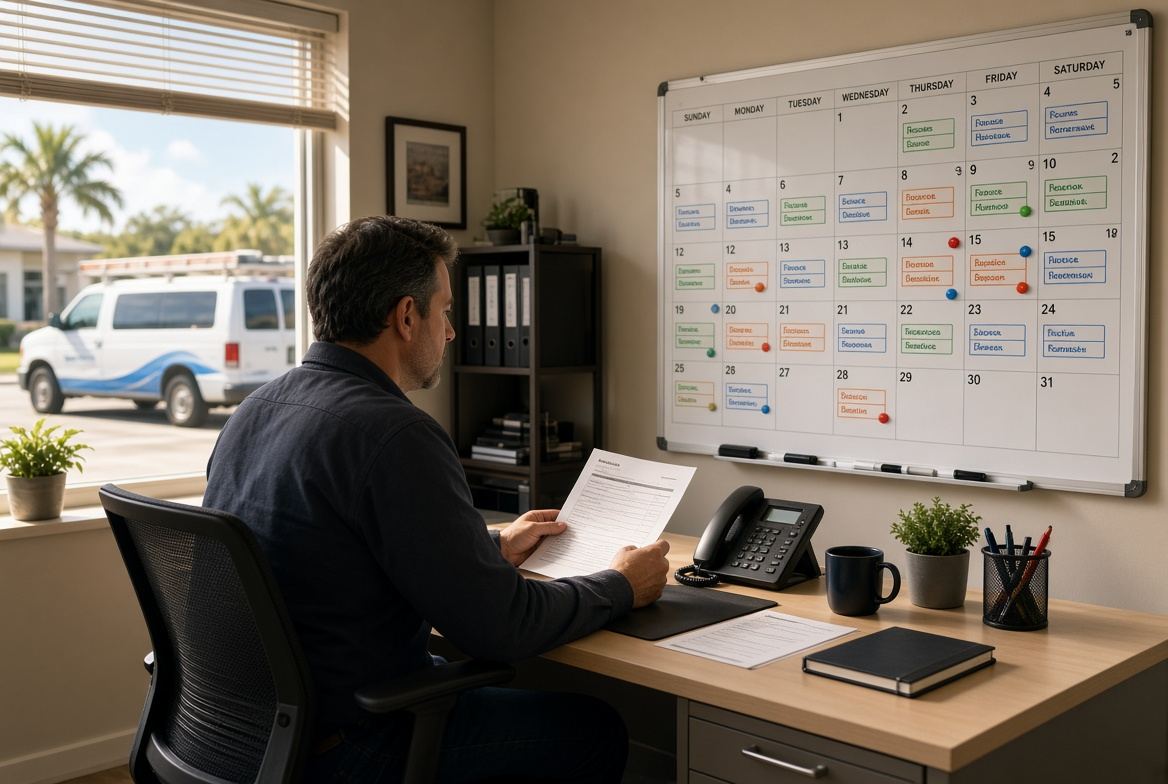
Picture a two-truck HVAC shop in Pinellas County during a late-September heat spike. Monday opens with six booked tune-ups and two repairs. By 10 a.m. the office has five new calls. Two are no-cool emergencies. One is a landlord who wants four vacant units checked this week. Two are neighbors who saw the truck yesterday.
Without rules, the office does what feels helpful. It squeezes both emergencies onto today, promises the landlord a Wednesday visit, and tells the neighbors someone will call them back.
By Tuesday the tune-ups are sliding. One tech is waiting on a part that should have been ordered last night. The landlord texts at 4 p.m. asking where the crew is. A long-time residential customer, the one who sends two referrals a year, sits at home for a four-hour window that never happens.
The shop did not lack demand. It lacked a filter. A one-page overflow list would have kept the booked tune-ups, taken one true no-cool with a later arrival window, booked the second emergency for first thing Wednesday, and asked the landlord for a deposit plus a two-day range. The neighbor calls would have received two open dates instead of a vague callback.
That is not cold. That is how you keep the work you already promised.
A simple overflow checklist
Use this list the next time the board looks full. Keep it next to the phone.
- Protect jobs that are already confirmed. Do not move a booked customer to make room for a new one unless the new job is a true emergency and the booked customer has already agreed to a new window.
- Define emergency in one sentence. No cooling in occupied housing, active leak, no power to a critical system. Everything else is urgent, not emergency.
- Cap add-ons per crew per day. If two trucks can finish eight stops well, the ninth stop is a later date, not a favor.
- Require a deposit on overflow days. A card hold or small booking payment filters tire kickers and pays for the disruption.
- Offer two later dates instead of a maybe. People will wait if the wait is specific. They will not wait for a callback that never comes.
- Name who can break the cap. Usually that is only the owner or the dispatcher. A tech on site should not add a neighbor stop that wrecks the afternoon.
- Keep a short referral list. When you are truly full, send the job to a trusted shop instead of collecting a lead you cannot serve.
Print it. Put it in the office. Review it after the first surge so the wording matches how you actually work.
How to write the rules in one afternoon
You do not need a retreat or a new platform to do this. You need last month’s calendar and 45 quiet minutes.
Pull the five days that felt the worst. Mark every job that was added after 8 a.m. Note which of those add-ons finished on time, which ones created a callback, and which ones pushed a loyal customer.
Then write four lines only.
- What counts as an emergency.
- How many extra stops each crew can absorb.
- What you require before you open a closed day.
- What you say when you are full.
Read those four lines out loud as if a new office hire is on the phone. If a sentence needs you in the room to explain it, rewrite it.
Teach the office before the next surge
Rules fail when only the owner knows them. The next busy morning will prove that.
Walk through three sample calls with whoever answers the phone. One emergency. One existing customer who wants an extra stop. One new lead who wants today. Have them use the list, not their memory.
Give them the exact phrases.
- We can take that as an emergency this afternoon between 3 and 6, and we will need a card on file.
- We are booked tomorrow. Thursday morning or Friday after lunch are open.
- That day is closed. I can hold Friday with a booking payment.
Practice feels awkward for ten minutes. It prevents a week of apologies.
The system that makes the rules stick
Overflow rules collapse when the calendar, the website, and the office each tell a different story.
If the site still says Call us today on a day you cannot take work, the office will keep inventing yeses. If next open dates are not visible, every lead becomes a negotiation. If deposits live in a notebook, nobody will ask for them when the phones are loud.
A focused system keeps the same rules in one place. The booking flow shows real open windows. Closed days stay closed unless the owner opens them. The job file carries the deposit, the arrival window, and the reason a stop was added. The office can follow the list without hunting through texts.
You will still have peak weeks. Tampa Bay service work does not stay polite. The difference is that peak weeks stop eating the jobs you already sold. That is how a small crew stays reliable when bigger shops start saying yes to everything and delivering on none of it.
Are the calls getting away from you?
I work with Tampa HVAC and plumbing companies that already run at least 3 trucks. Call or text me.