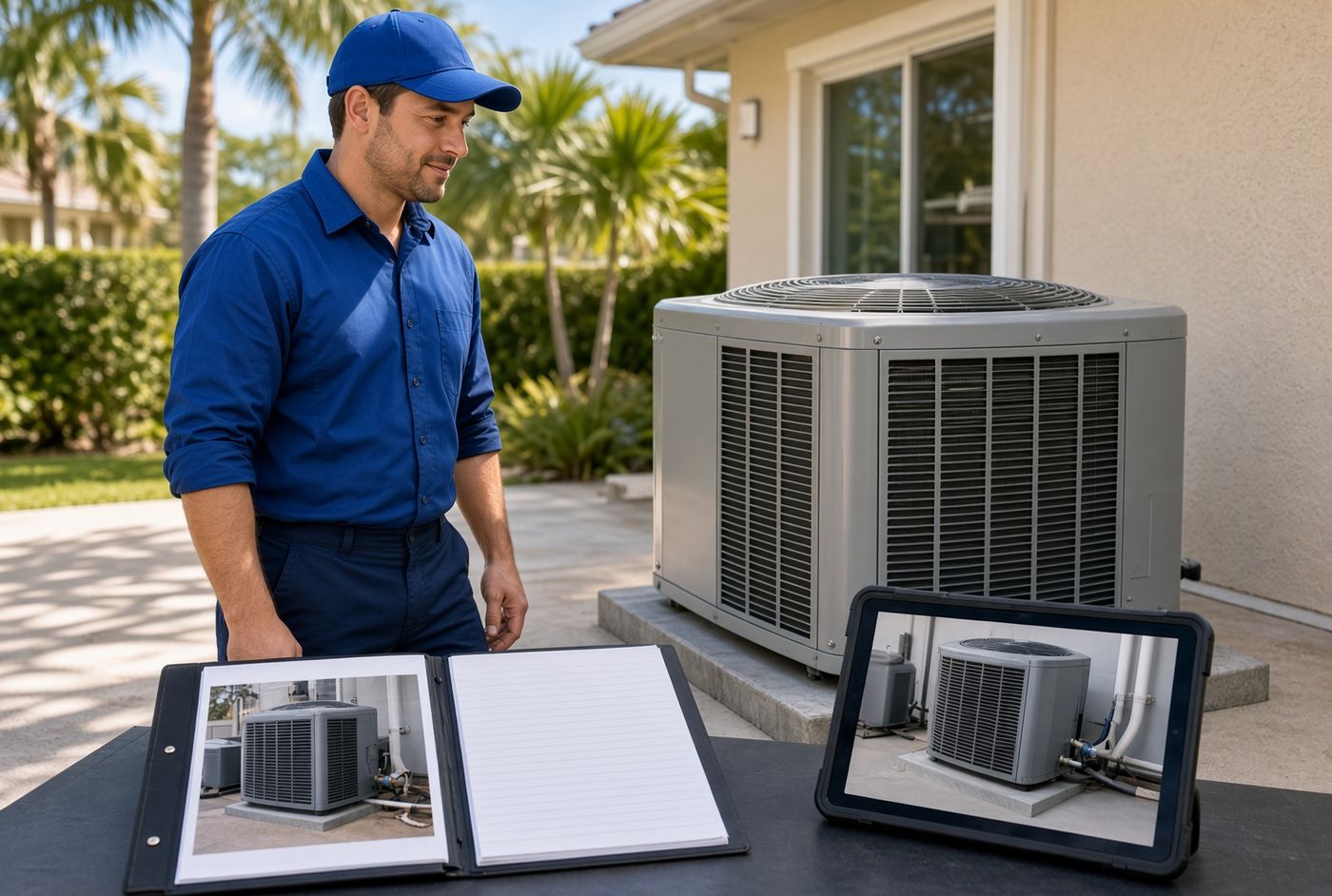
Warranty Visits Fail Without the First Job File
A warranty call should be the easiest job on the board. The customer already chose you. The equipment is in a house you have seen. The parts and notes from the first visit should be sitting in one place.
When that file is missing, the tech starts from zero. A short callback becomes a hunt for the model number, the install date, and what was promised last time. That is how a loyal customer starts shopping for a new company.
What a thin job file actually costs you
The cost is not only the extra hour on site. It is the second truck roll, the wrong part, and the callback after the callback.
It also hits trust. The homeowner remembers the first visit. They expect you to remember it too. When the tech asks the same questions again, the job feels new, even if you finished it last summer.
For a small crew, that waste stacks up fast. Two messy warranty visits a week can erase a clean afternoon of paid work.
The five things every closed job should keep
You do not need a giant system. You need a complete record attached to the customer and the address. If any of these are missing, the next visit starts late.
- Equipment identity: brand, model, serial, age, and location in the home or building.
- What you did: the work performed, parts used, and anything left incomplete.
- Photos: before, after, nameplate, and anything the next tech will need to see.
- Promises: warranty terms, follow-up dates, and any price that was quoted for extra work.
- Access notes: gate codes, pets, parking, attic hatch, breaker location, and who to call on site.
If those five live in different places, they might as well not exist. A photo in one phone and a part number in a text thread is not a job file.
How this plays out on a Tampa Bay service call
Picture an HVAC shop in Pinellas County. Last July they replaced a condenser in a Largo home. The invoice got paid. The owner moved on to storm-season calls.
In March the same customer books a warranty visit for a noisy outdoor unit. The office confirms the time. Nobody pulls the original file because there is no single place to pull it from.
The tech arrives and finds two units on the pad. He does not know which one was replaced. The nameplate is faded. The homeowner is at work. He spends twenty minutes on the phone, then drives to a supplier for a part that does not match. The afternoon slot slips. The customer waits again on Thursday.
None of that is a skill problem. It is a missing first job file.
A closeout checklist that makes the next visit cheap
Treat closeout as part of the job, not as paperwork after the truck is rolling. Use the same steps every time so a new hire can follow them.
- Before you pack up, photograph the nameplate and the finished work.
- Write the model, serial, and parts on the job, not in a personal note.
- Record what is still under warranty and what is not.
- Add one sentence the next tech would want: “Unit is west side, breaker in garage, dog is friendly.”
- Mark the job closed only after those items are attached to the customer record.
Five minutes at the house beats forty minutes on the next visit. Make the closeout the last task on site, the same way you would not leave without collecting a signature.
Why photos beat memory every time
Owners remember the hard jobs. Techs remember last week. Warranty work often shows up six or twelve months later, after seasonal help has left and after two other crews have used the same van.
A clear nameplate photo answers questions that a memory cannot. A photo of the old drain line, the filter size, or the attic pull-down saves a second climb. A photo of the thermostat wiring saves a guess that can take the system down.
You do not need a fancy gallery. You need photos stored on the job so anyone on the team can open them from a phone before they leave the shop.
Who owns the file when the owner is on a roof
Many shops still treat the owner as the filing cabinet. That works until the owner is on a roof in Tampa heat and a warranty call comes in from last year’s customer.
Give one person the closeout rule and one place to store it. The office can check the file before the job is dispatched. The tech can open it in the driveway. Nobody has to wait for the owner to “remember which unit that was.”
If a job cannot be dispatched without the file, the file starts getting completed. That single rule does more than another software login.
A quick diagnostic for your current process
Pull the last five warranty or callback jobs. For each one, ask the questions below. If you cannot answer from one screen or one folder, the process is leaking time.
- Can a tech who was not on the first visit name the equipment before they arrive?
- Can the office see the original parts and warranty terms without calling the owner?
- Are the photos attached to the job, or sitting in a camera roll?
- Did the second visit require a supplier run that the first visit could have prevented?
- Would a new hire know how to close the next job the same way?
Three or more “no” answers means callbacks are costing you more than they should. Fix the file before you add more marketing that sends more return visits into the same gap.
A focused system is enough. That can be a cleaner job record on the website side for the customer, a booking flow that captures the address and equipment up front, or a simple internal tool that keeps photos, parts, and notes on the same job. When the first visit is easy to reopen, warranty work stops feeling like a new job and starts feeling like the follow-through you already sold.
Are the calls getting away from you?
I work with Tampa HVAC and plumbing companies that already run at least 3 trucks. Call or text me.